Best Hidden Camera Detector Apps 2026: iPhone & Android
Disclosure: This page contains affiliate links. We may earn a commission at no extra cost to you. We only recommend products we've tested or thoroughly researched. Full disclosure.
Short answer: a phone app can inventory devices on the Wi-Fi network you are connected to and help organize a visual sweep. It cannot prove that a room has no hidden camera, because a camera may be offline, wired, or recording locally.
Start With the Job an App Can Actually Do
Use a network scanner such as Fing to list devices on the current Wi-Fi network. Treat an unfamiliar device as a reason to investigate its name, location, and purpose—not as proof that it is a camera. Fing documents that its mobile app scans the network currently connected to the phone and lists connected devices; that limitation matters in hotels and rentals where you may not control the network.
A Five-Minute Phone-First Check
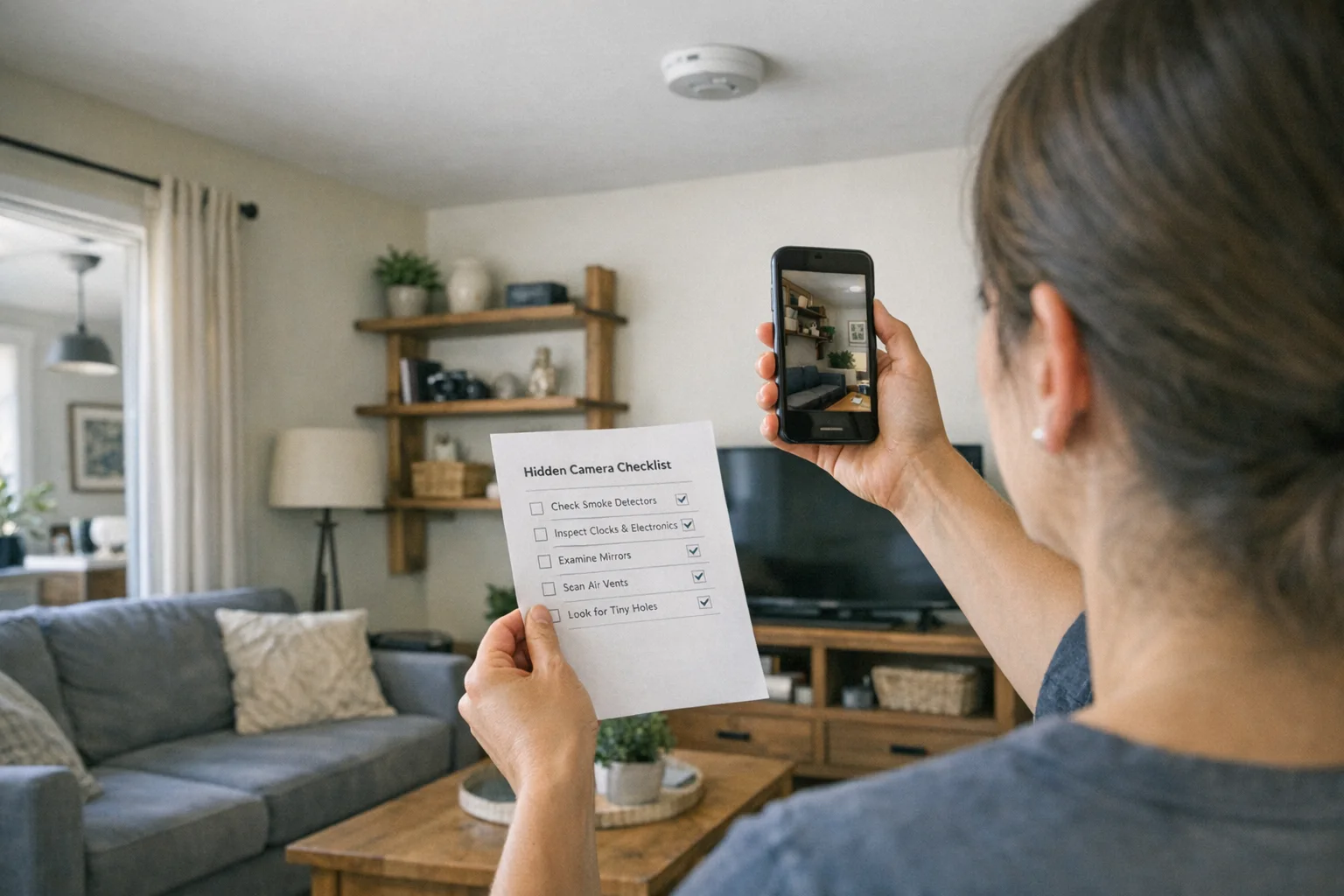
- Join the local Wi-Fi only if you are comfortable doing so, then inventory connected devices.
- Inspect unfamiliar device names against the room’s visible equipment and ask the host or hotel when the explanation is unclear.
- Turn down room lights and make a slow flashlight lens sweep at eye level.
- Inspect obvious camera locations—chargers, clocks, vents, smoke detectors, and decorative objects.
- If the context is high-risk or the uncertainty remains, use a dedicated lens-first tool; do not treat an app result as clearance.
For a complete no-download workflow, use our phone detection guide.
What apps cannot establish
Apps cannot reliably identify a camera that is powered off, recording locally, wired without a network connection, or simply not on the network your phone can see. They can also surface normal electronics that deserve no concern. This is why an app result is a starting point for a physical inspection, not a pass/fail result.
When to escalate to hardware
If you need a focused lens-based check after the phone-first workflow, SpyFinder Pro is the current hardware recommendation. It is a secondary escalation, not a promise that any single device can clear every room.

SpyFinder Pro
Lens-First Hardware Option
A focused option when a visual lens inspection needs a dedicated tool.
- Lens-first workflow
- No RF signal required
- Travel-ready form factor
Read the main detector guide for the method tradeoffs, or detection methods compared for a deeper explanation of RF and lens checks.
Bottom line
Use an app to organize a first pass, not to certify a room as safe. A careful visual sweep is the essential next step, and a dedicated lens-first device is appropriate when the risk or uncertainty warrants it.
Smart Picks
Smart Picks for This Guide
We curated this short shelf from high-performing recommendations for faster buying decisions.
SpyFinder Pro
Most accurate lens detection
Best when you need confident detection of hidden wired and non-transmitting devices.
- Consistent lens performance
- Clear pass/fail indicator
- Strong build quality
We earn commissions from qualifying Amazon purchases. Full disclosure.
Get the free checklist
Printable hidden camera detection checklist + gear deals. Free, no spam.
Free updates. Unsubscribe anytime.
Frequently Asked Questions
Do hidden camera detector apps work?
What can a network-scanner app find?
When should I use dedicated hardware?
What to Do Next
Related Guides

How to Find Hidden Cameras with iPhone and Android (2026)
Use your iPhone or Android to detect hidden cameras with built-in tools. Step-by-step: flashlight sweep, IR check, WiFi scan, and when to upgrade to gear.
Read guide
Hidden Camera Detection Methods Compared: Which Works Best
Compare RF detectors, lens finders, thermal tools, and phone apps by budget, reliability, & real-world limits so you can build a stronger prevention stack.
Read guide
How to Find Leftover Surveillance Devices in a New Home
Learn a complete sweep workflow for new spaces to find hidden cameras and trackers, verify suspicious devices, and act safely within your legal rights.
Read guide